
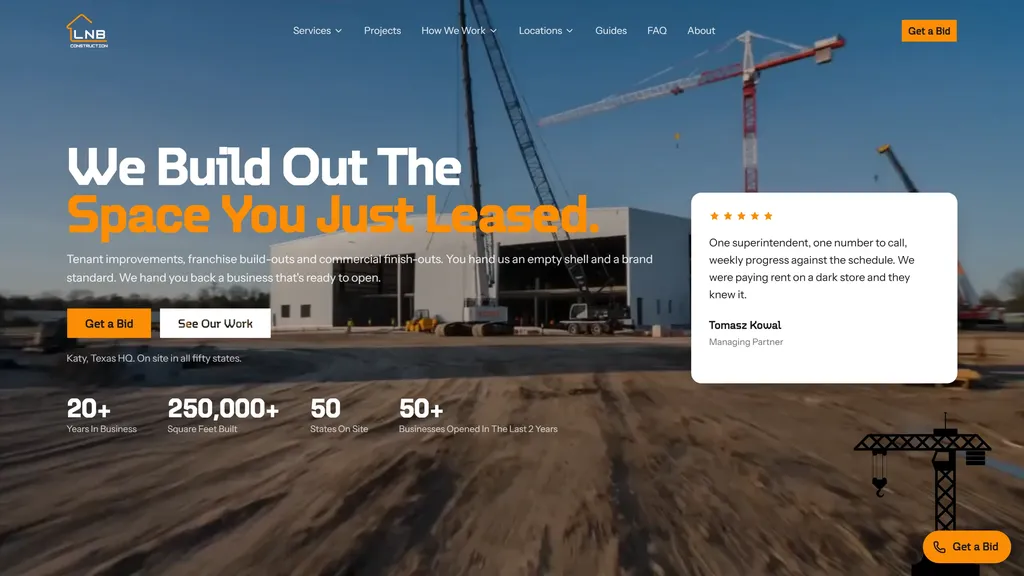




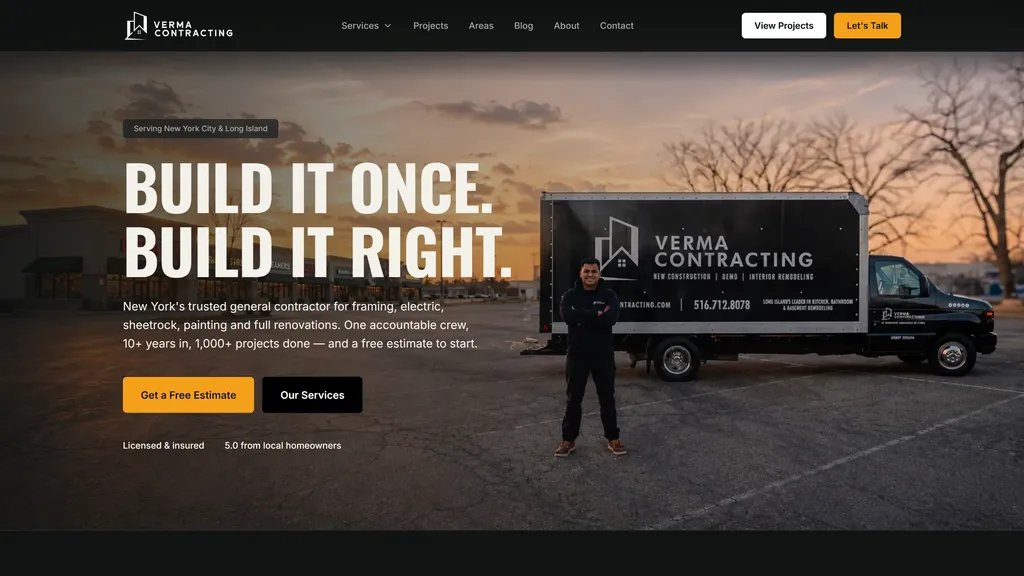

Good plumber website design comes down to one job: getting the phone to ring. That means a tap to call number at the top of every page, a clear list of services, a page for each service and each area you cover, real reviews and photos of your work, and a site that loads fast on a phone. Someone with water on the floor is not going to read three paragraphs about your company history.
I build websites for trades and local service businesses at CodeCraft Studios, and plumbers have some of the most urgent customers there are. Here is what I put on a plumbing site, page by page, and what I leave off.
What a plumber website needs above the fold
- Your phone number, tap to call, in the header and repeated in a button. If you offer emergency service, say so right there.
- One plain sentence on what you do and where: "Residential and commercial plumbing in [your county]".
- Proof: your star rating and number of reviews, pulled from your Google Business Profile.
- A real photo, your truck or your crew on a job, not a stock image of a smiling model holding a wrench.
The pages that bring in calls
One page per service
Water heater repair, drain cleaning, leak detection, repiping, sewer line repair, toilet and fixture installs. Each one gets its own page with what the problem looks like, what you do about it, and a call button. People search for the specific problem, so a single "Services" page with a bullet list leaves most of those searches on the table.
One page per service area
If you cover several towns, each main town deserves a page that names it, mentions the neighborhoods you actually work in, and links to your services. Keep them real and specific. Copy pasted pages with only the city name swapped do not help.
Reviews and project photos
Before and after photos of real jobs, a short note on what was wrong and what you did, and reviews that mention the service. This is the content competitors cannot copy.
A short contact page
Name, phone, the area you serve, your hours (and whether you take after hours calls) and a form with three or four fields. Every extra field costs you leads.
What to leave off
- Auto playing videos and slideshows that slow the page down.
- Long "about our values" sections above your services.
- Forms that ask for a budget or a detailed description before anyone talks to you.
- Pages for services you do not really want to sell.
Speed and the basics Google checks
People looking for a plumber are often on a phone and in a hurry. Compress your images, skip heavy page builder add ons, and test your site on a real phone over cellular data. Our free website test and SEO checker show where a site is slow or missing the basics. If you want the bigger picture on getting found, read how to get your website on Google.
Website or landing page?
If you only offer one or two services in one area, a single strong landing page can be enough to start. Once you want to rank for many services and towns, you need a full site with those service and area pages. I compare the two in landing page vs website.
What a plumber website costs with us
At CodeCraft Studios, projects start at $700 for a landing page. A full multi page site with service and area pages costs more and depends on how many pages you need. For how pricing works in general, see how much a website costs. Our contractor website design page shows how we approach trade sites, and you can tell me about your plumbing business for a free mockup.
Need This Done For Your Business?
We build websites, apps and search campaigns for businesses across Florida and the US. Tell us what you need and get a fixed quote.