
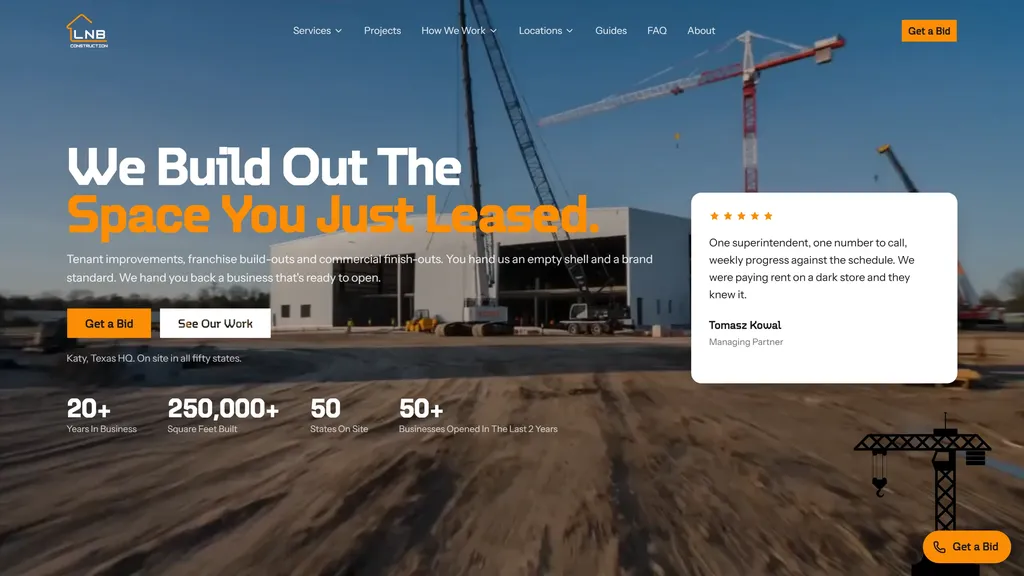



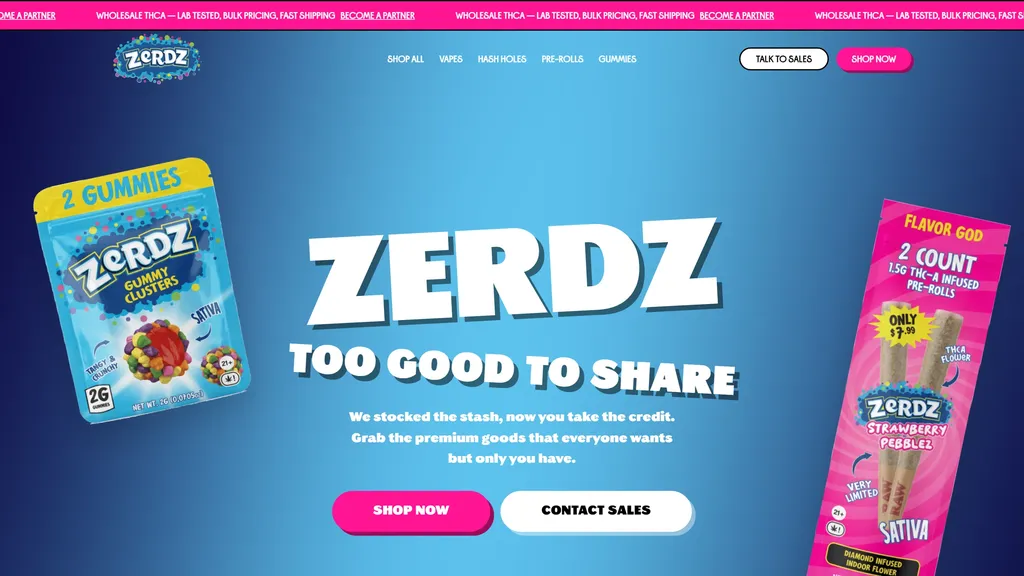
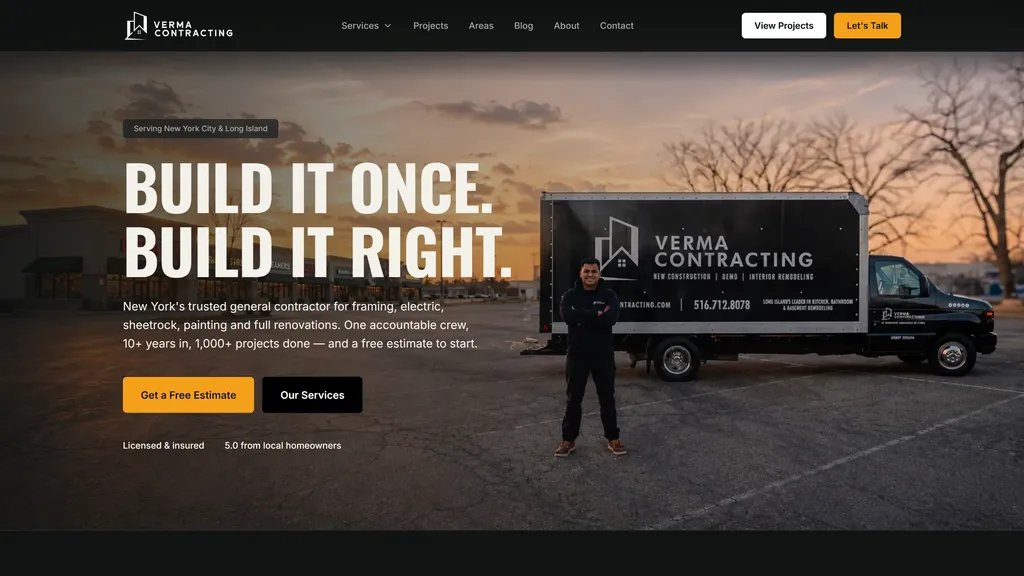

A website redesign checklist protects the two things a redesign can destroy: your search rankings and your leads. The checklist below is the one I follow before, during and after every redesign at CodeCraft Studios, so the new site looks better without losing the traffic the old one earned through our web development process.
Use it with us or with anyone else. The order matters more than any single item.
Before You Redesign: Measure What You Have
You cannot tell if a redesign worked without a starting point.
- Record which pages bring the most visitors and leads.
- Note the keywords you already rank for.
- Run a speed test on your key pages with PageSpeed Insights.
- List every form, phone number and booking link that produces leads.
Our free SEO checker and website test give you a quick snapshot of where things stand.
Decide What The Redesign Must Fix
A redesign should solve problems, not just change colors. Write down what is wrong with the current site and what success looks like.
- Is the site slow on phones?
- Do visitors leave without calling or buying?
- Is the brand out of date?
- Is it hard for your team to update?
I wrote about one common trap in why beautiful websites do not convert.
Map Every Old URL To A New One
This is the step that saves your rankings. Every page that exists today needs a place on the new site, or a redirect to the closest new page.
- Export a list of all current URLs.
- Match each one to its new address.
- Set permanent redirects for every changed URL.
- Never let a page with traffic or backlinks turn into a 404.
Google explains the process in its guide to site moves and migrations.
Keep The Content That Ranks
Pages that rank today rank because of their content. Rewriting them from scratch can drop them. Improve them, update them and keep their main topics, headings and keywords.
Our SEO marketing team reviews every ranking page before anything is removed.
Website Redesign Checklist For Design And Build
- Design for phones first, then larger screens.
- Keep the phone number, forms and booking easy to find.
- Use real photos of your business and work.
- Check speed and accessibility on every template.
- Rebuild tracking: analytics, ad conversions and call tracking.
- Move to a platform your team can update without help.
If you are deciding between a theme and a custom build, see template sites vs custom builds.
Launch Day Checklist
- Test every form and confirm the emails arrive.
- Check redirects for your top pages.
- Submit the new sitemap to Google Search Console.
- Make sure the site is not blocked from search engines.
- Test checkout or booking with a real transaction if you sell online.
After Launch: Watch And Adjust
For the first weeks, check rankings, traffic and leads against the numbers you recorded before. Small drops can happen while Google recrawls. Large drops usually mean a missing redirect or a removed page, which are fixable when caught early.
You can see redesigns we have shipped in our portfolio. If you are wondering whether it is time, I also wrote about why businesses redesign on a regular cycle.
We redesign sites for businesses in Miami, Boca Raton and across the country. Send us your current site and we will review it against this checklist.
Common Questions
Will a redesign hurt my Google rankings?
It can if pages are removed or URLs change without redirects. Following a checklist that keeps ranking content and redirects every old URL usually prevents that. Some movement while Google recrawls the site is normal.
How often should a business redesign its website?
When the site no longer fits the business, looks dated, loads slowly on phones or stops producing leads. Many businesses refresh on a regular cycle, but the right trigger is a real problem, not the calendar.
Can I redesign without changing my URLs?
Often, yes. Keeping the same addresses for your main pages is the safest path for search. If the structure must change, plan redirects for every page before launch.
The Short Version
- Measure traffic, rankings and leads first.
- Decide what the redesign must fix.
- Redirect every old URL.
- Keep and improve the content that ranks.
- Test forms, redirects and tracking on launch day.
- Watch the numbers closely after launch.
Juan Molina
CodeCraft Studios
Need This Done For Your Business?
We build websites, apps and search campaigns for businesses across Florida and the US. Tell us what you need and get a fixed quote.