
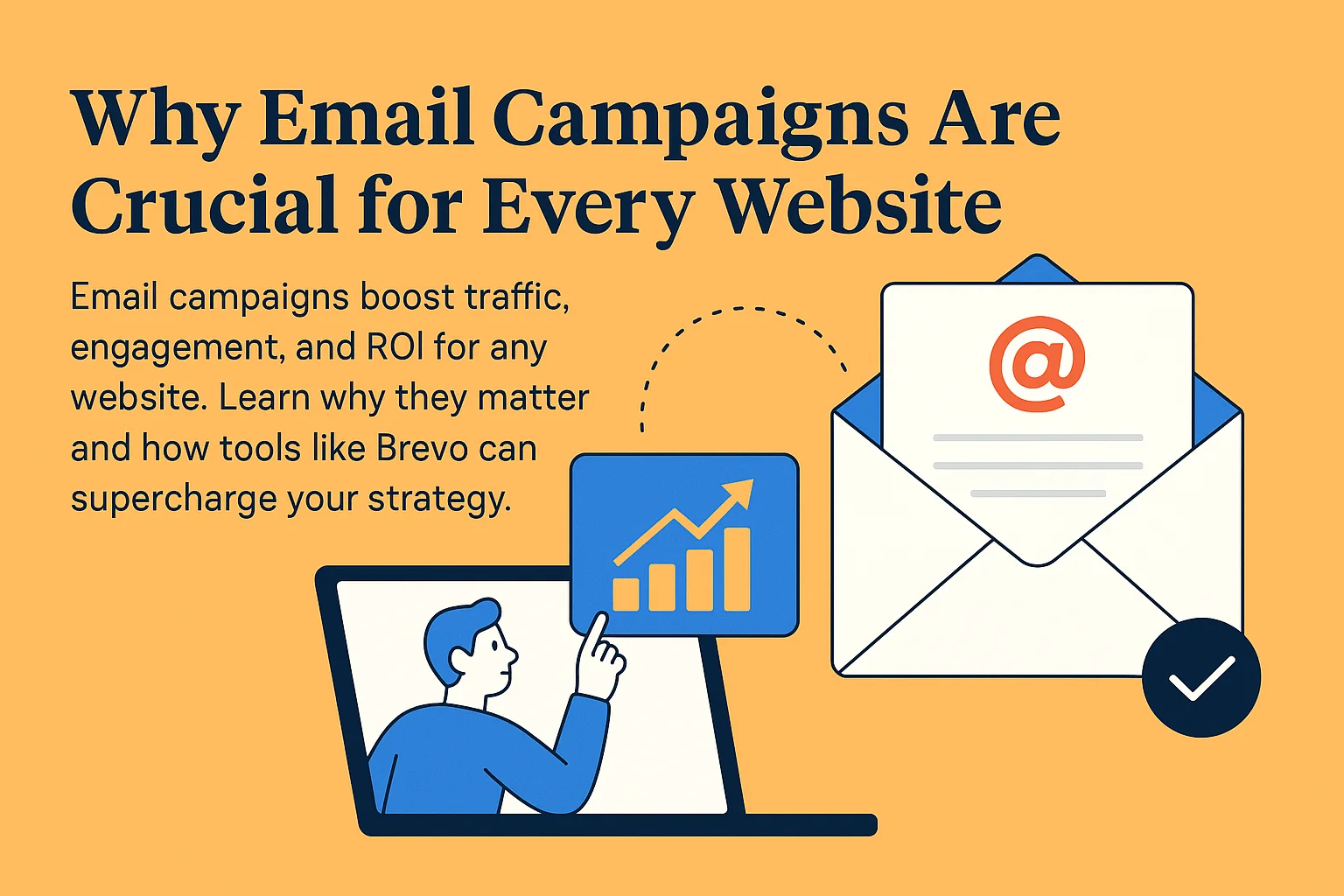
Every website needs email campaigns because email is the one marketing channel you own. Social platforms decide who sees your posts and ad costs keep rising, but an email list lets you reach past visitors and customers whenever you choose. A website without email capture lets most of its traffic leave forever after one visit.
We connect email capture and automation to the sites we build through our digital marketing work. This guide covers why email matters, what to set up first, and the tool we recommend.
Why Email Still Matters
- You own the list. If a social account is suspended or an algorithm changes, your subscribers stay yours.
- It reaches people who already know you. Subscribers asked to hear from you, so they are far more likely to buy than a stranger seeing an ad.
- It runs on autopilot. Welcome emails, abandoned cart reminders and review requests send themselves once they are set up.
- It is cheap. Many platforms have free tiers for small lists.
Why Every Type Of Website Needs Email
- Online stores: abandoned cart emails, order follow ups and restock alerts. See our e-commerce builds.
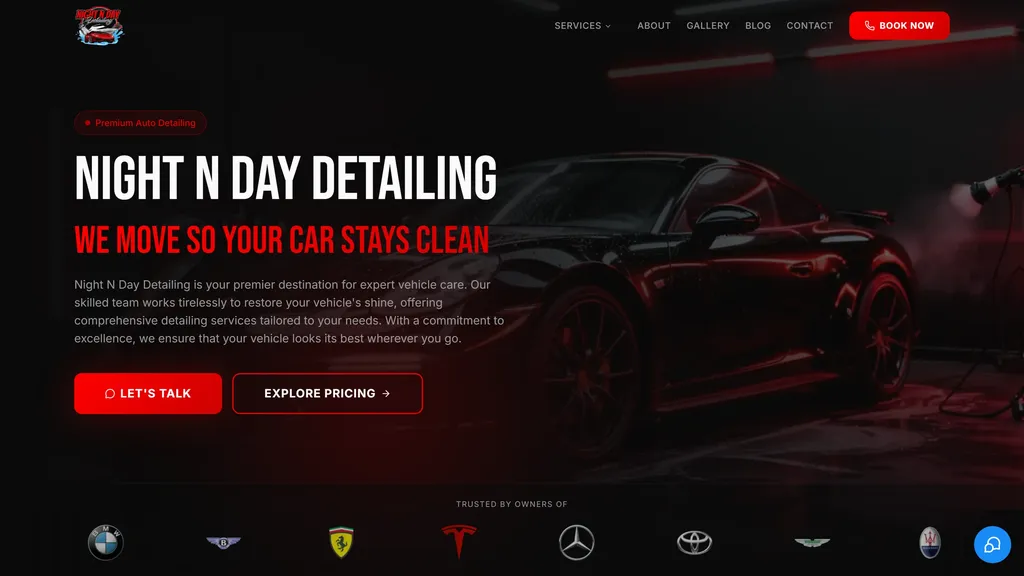
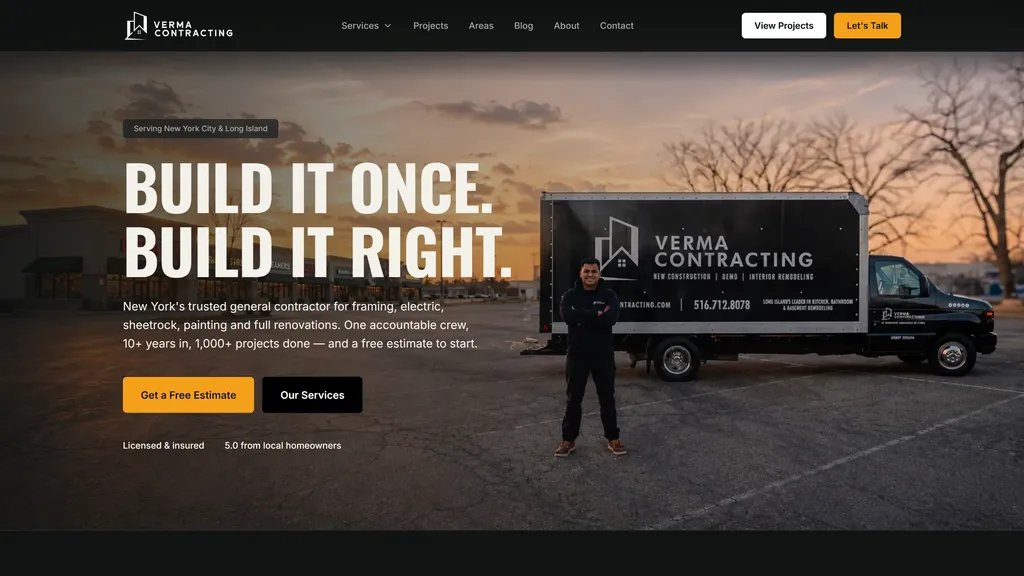
- Service businesses: quote follow ups, appointment reminders, seasonal offers and review requests.
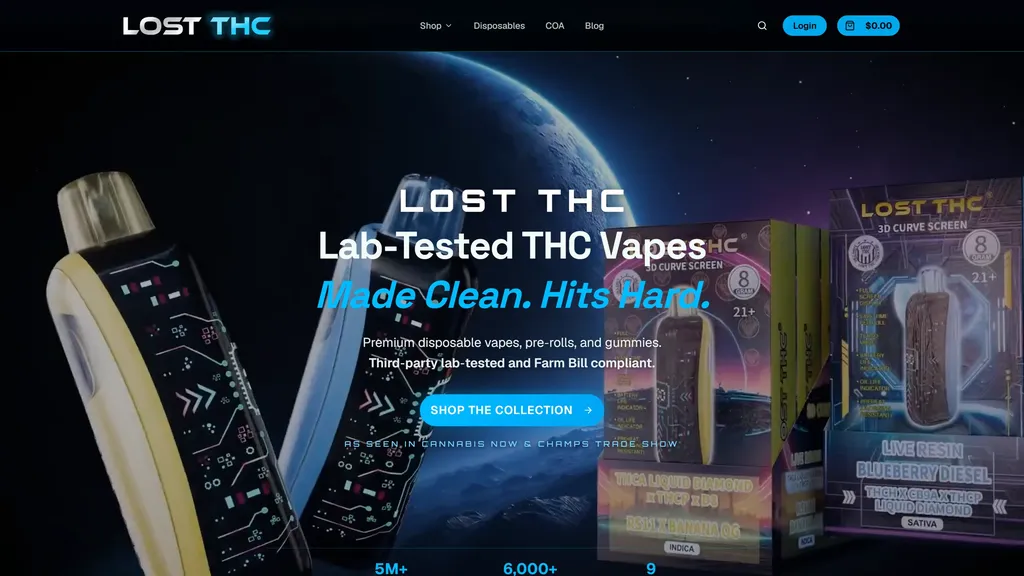
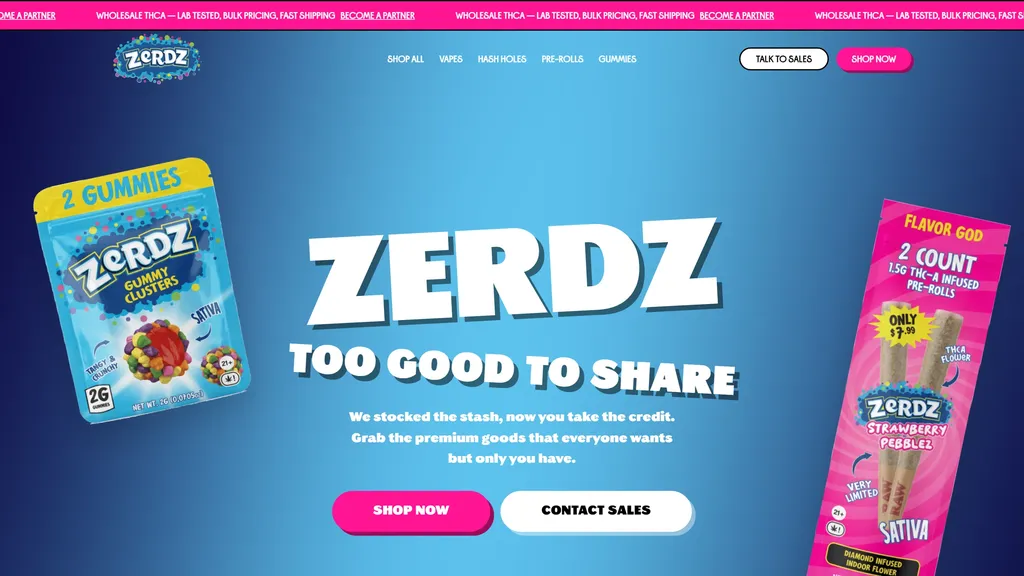
- Restricted products like hemp: where ads are limited, email becomes a main sales channel, as we explain in hemp website design.
- Software and apps: onboarding emails that help new users get value quickly.
The Email Campaigns To Set Up First
- Welcome series: two or three emails that introduce your business and give subscribers a reason to come back.
- Abandoned cart or quote follow up: a reminder within a day of someone leaving without finishing.
- Post purchase or post job: a thank you, care tips and a request for a review.
- Monthly newsletter: news, new work and one clear offer.
- Win back: a message to customers who have not bought in a while.
How To Grow Your List From Your Website
- Offer something worth an email address: a discount, a checklist, early access or a free estimate.
- Add a short signup form to the footer and to the end of blog posts.
- Ask for email at checkout and on quote forms, with a clear opt in.
- Keep forms short. Our guide to clean web forms explains why.
Brevo: The Tool We Recommend
For most small businesses we recommend Brevo (formerly Sendinblue). It combines email and SMS in one dashboard, has a visual automation builder, and its free plan lets you send up to 300 emails a day once your account is approved. Mailchimp and Klaviyo are good tools too. Klaviyo in particular suits larger online stores with deep product data. The Brevo link above is a referral link, and we recommend it because we use it with clients.
Deliverability And The Rules
An email only works if it reaches the inbox. Set up SPF, DKIM and DMARC records for your domain, make unsubscribing a single click, and only email people who opted in. Google's email sender guidelines list the requirements for reaching Gmail inboxes. Keep subject lines honest and include your business address in every marketing email.
Measure What Matters
Opens are less reliable than they used to be, because some mail apps load images automatically. Track clicks, replies, bookings and sales from each campaign instead. Connect your email tool to your site analytics so you can see which emails bring revenue.
Let Us Set It Up For You
We build the signup forms, connect them to your email platform, write the first automations and design templates that match your site. It pairs well with a new website or our SEO work, since email turns one time visitors into repeat customers. You can see the stores and service sites we have built in our portfolio, including BakeBoxx and FungiReview.
We are based in Miami and work nationwide. Tell us about your business, and we will plan your first campaigns with you.
Need This Done For Your Business?
We build websites, apps and search campaigns for businesses across Florida and the US. Tell us what you need and get a fixed quote.